Change detection vs. anomaly detection for imagery analysts
Change detection and anomaly detection solve different problems in imagery review. A breakdown of when to use each, and why baselines matter.
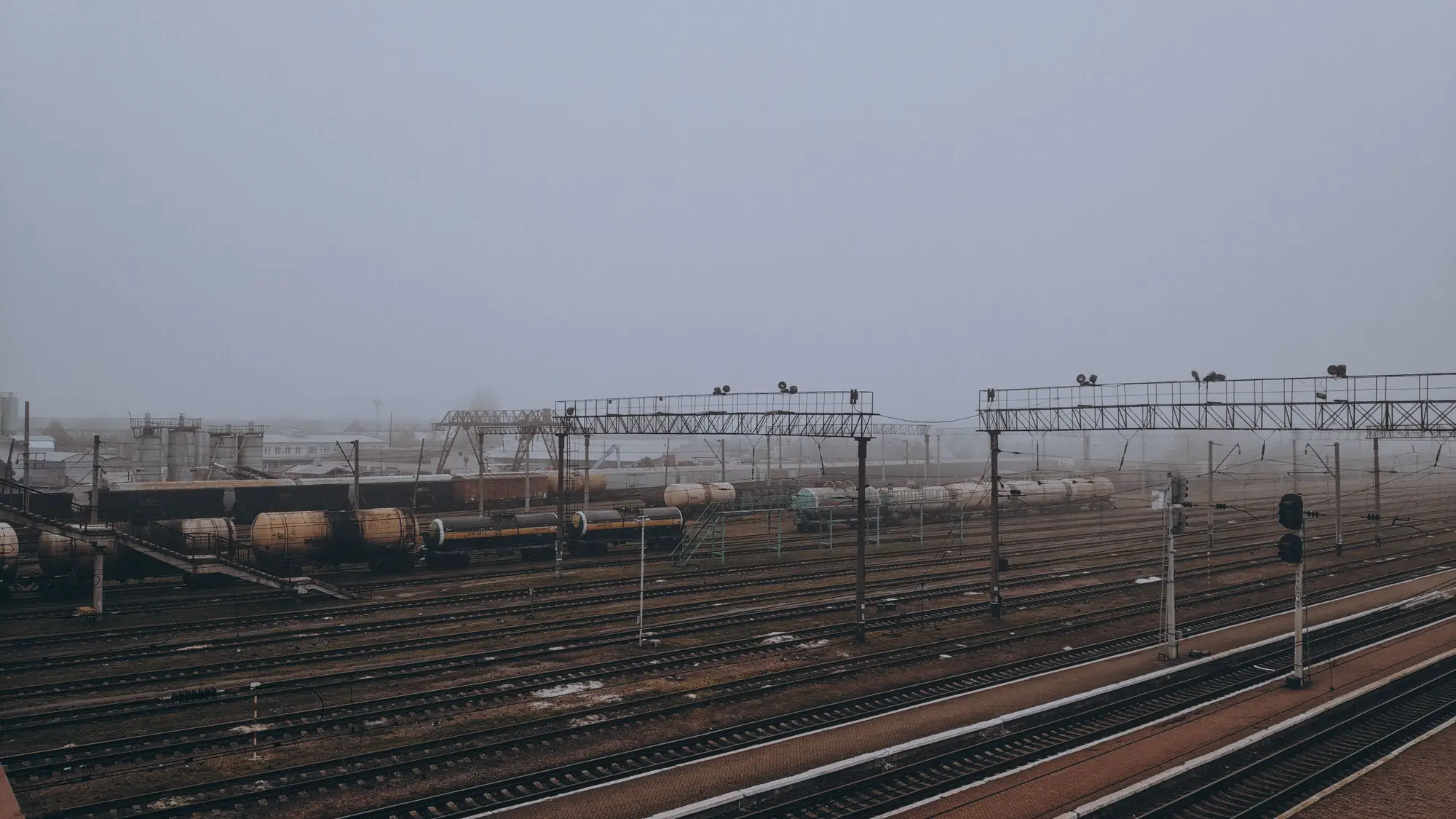
Analysts get asked to do both jobs under one label all the time: "flag anything different." But change detection and anomaly detection are not the same task, and conflating them is how real signal gets buried in a stack of imagery review tickets.
Change detection: did the pixels move
Change detection compares two images of the same place and reports what's different between them. New roofline, a cleared lot, a vehicle that wasn't there last Tuesday. It works off a pair, image A and image B, and it doesn't care what came before A or what happens after B. Run it against a construction site and it'll tell you a slab got poured. Run it against a lot that gets a different mix of trucks every day and it'll throw a change alert on ordinary Tuesday traffic, because from a two-image comparison, ordinary traffic looks exactly like something new.
That's the limitation analysts hit fastest. Change detection has no memory of what "normal" looks like at a site. It only knows what the last frame looked like.
Anomaly detection: did this break the pattern
Anomaly detection starts from a baseline: a record of what a site normally does across enough passes to know its rhythm. Which bays fill on weekdays. How many vehicles sit in the yard overnight. When the loading dock is busy and when it's dead. Once that baseline exists, a new pass gets checked against the accumulated pattern of prior passes. A flagged anomaly means this image doesn't match the pattern the site has shown over time, which is a different statement than "this pixel changed since yesterday."
The catch: you can't build a baseline from one look, or even two. You need repeat observations, daily if you can get them, accumulated long enough that routine variation (weekend lulls, weather, a delivery schedule) gets absorbed into the normal range instead of tripping an alert every time it shows up.
Where this actually bites in a review queue
Most imagery review workflows default to change detection because it's simpler to stand up: grab two frames, diff them, done. The cost shows up downstream. A site with high day-to-day turnover, a staging yard, a depot, anywhere vehicles and material move constantly, generates a change alert almost every pass. Analysts either chase all of them, which eats hours that should go to actual anomalies, or they start ignoring the queue, which is worse, because the one pass that matters gets filed next to forty that don't.
Swap the comparison target and the problem eases. Check each new pass against the pattern the site has shown over weeks of daily looks. That's anomaly flagging against a baseline, and it holds up when what you're watching for is a deviation from routine, not a pixel-level diff.
Picking the right one for the task
Change detection answers the question of what physically changed between two dates, and it does that without needing a baseline. Anomaly detection answers a different question: whether this site is behaving differently than it normally does. That question only works once weeks of daily passes have built the pattern to check against. A single comparison pair can't answer it, because there's no accumulated history behind it.
Most pattern-of-life work is the second question. The site already has a rhythm. The pass worth flagging is the one that doesn't fit that rhythm, not every pass that differs from the one before it.
Activity-Based Intel builds that baseline from daily VHR looks and checks each new pass against it, so the anomaly is what surfaces, not the routine. Worth a look if that's the gap in your current workflow.