How to set alert thresholds for site change detection
A working method for tuning anomaly alerts against a real site baseline, so fewer false positives clog the imagery review queue.
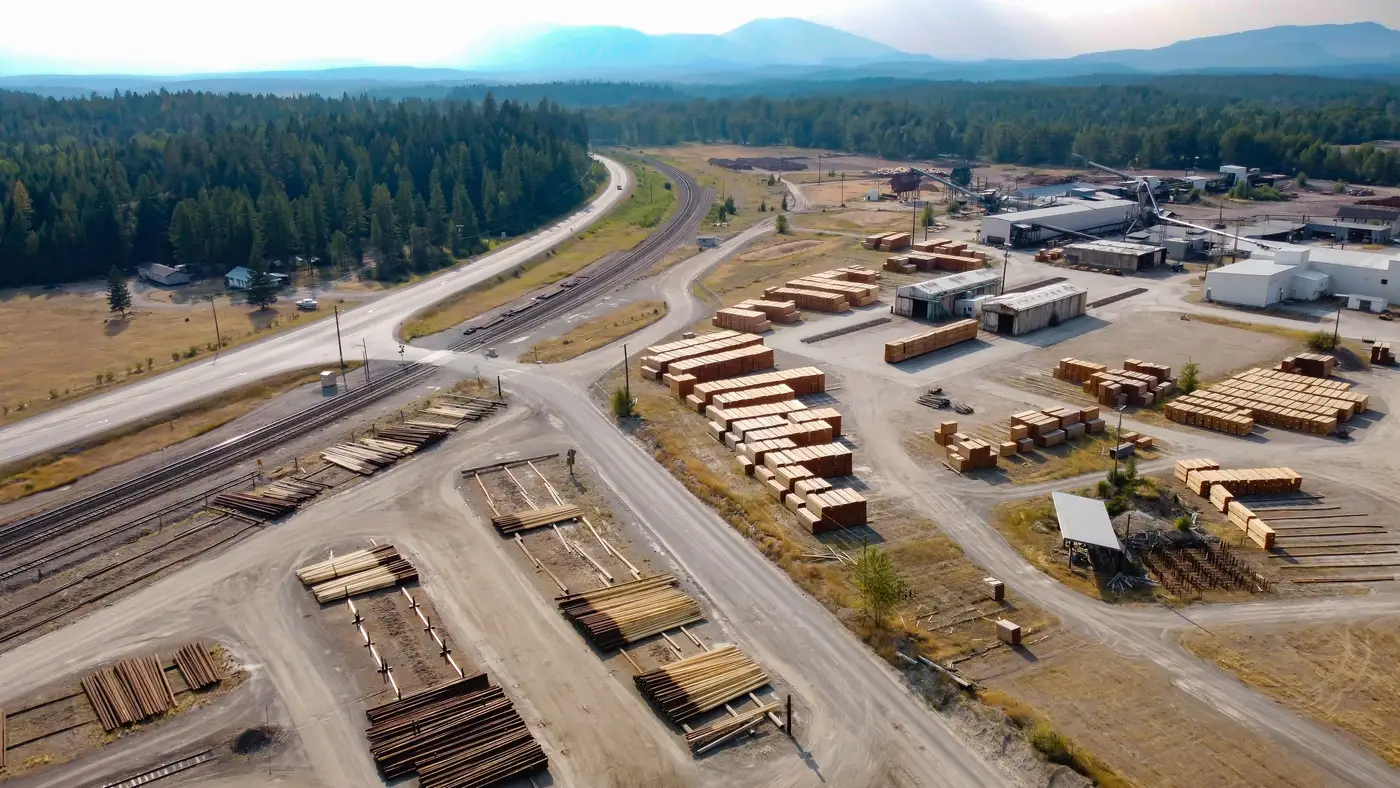
Most imagery analysts have been burned by both ends of the threshold problem. Set it too loose and a site can double its vehicle count before anything fires. Set it too tight and every passing cloud shadow or parked delivery truck kicks a report upstairs. Neither failure mode is really about the algorithm. It's about where you drew the line between normal and worth a look.
Build the baseline before you tune anything
A threshold only means something relative to what the site actually does day to day. Before you touch a sensitivity setting, you need enough repeat passes to know the site's own rhythm: how many vehicles sit in the lot on a Tuesday versus a Sunday, when the loading bay fills and empties, how footprint and shadow length shift across the season. A week of looks won't tell you that. A month starts to. Without that history, any number you pick is a guess dressed up as a setting.
This is the part teams skip when they're under pressure to stand up monitoring fast. They borrow a threshold from a similar site, or default to whatever the tool ships with, and spend the next two months re-tuning it against complaints from the duty officer. Building the baseline first costs calendar time up front. It saves analyst hours for as long as the site stays tasked.
Tune against the failure you're trying to avoid
False positives and missed changes pull a threshold in opposite directions, so decide which one costs you more before you pick a number. A site under active monitoring during a crisis period can tolerate more noise. A low-priority watch site with one analyst covering forty others cannot. If every flag needs a human look before it goes anywhere, a threshold tuned for sensitivity buries the real changes in a pile of parked trucks and shadow noise.
A few things move the false-positive rate more than the rest:
Seasonal and diurnal drift. A threshold tuned in winter light will flag summer shadows as structural change. Rebuild or widen the baseline window each season instead of hunting for one number that survives all of them.
Collection geometry. Off-nadir angle changes vehicle and building footprints in ways that look like activity change if your baseline was built mostly from straight-down passes. Weight the baseline toward the geometry you'll be collecting on.
Small-object noise versus structural change. A threshold set to catch a new vehicle in the lot also catches a tarp blowing loose. Decide upfront whether the alert is for countable objects, footprint change, or both, and tune separately if you need both.
Once you've picked the failure mode you're protecting against, tighten in small steps and watch what each step costs. If tightening drops a real anomaly from last month's archive, you've gone too far.
Review what didn't fire
The alerts that fire get reviewed by default. The changes that didn't trigger anything rarely do, and that's where a threshold quietly goes stale. Pull a sample of recent passes against the baseline every few weeks, independent of what alerted, and check whether anything real got missed. If it did, the gap tells you more about where the threshold needs to move than any amount of staring at the alerts that worked.
A threshold is also a statement about how much review time your team has. An analyst who can look at every flag by hand can run looser and catch more. A team covering dozens of sites on a rotating watch needs a threshold tight enough that what comes through is worth the interruption. There's no universal number here, only the trade-off your team is making. It's worth writing that trade-off down so the next analyst who inherits the site knows why the threshold sits where it does.
Getting this right depends less on the alert logic itself and more on having enough daily history to know what normal looks like before you start flagging departures from it, which is the premise behind Activity-Based Intel: a running baseline built from repeat VHR looks, checked against each new pass so a deviation from the pattern is what gets flagged, not every frame.
If your current setup is still guessing at thresholds instead of working from a baseline, it might be worth a look.